Gjønnes Tunnel
Coordinating tunnel construction data in a complex urban environment with Vektor.io
9.3.2026
In the Gjønnes Tunnel project in Bærum, Norway, OHLA Norway is responsible for the design and construction of a major new tunnel connection forming part of a wider urban road corridor. The project combines underground tunnelling, surface infrastructure, and construction work in a densely populated area with heavy traffic and multiple nearby stakeholders.
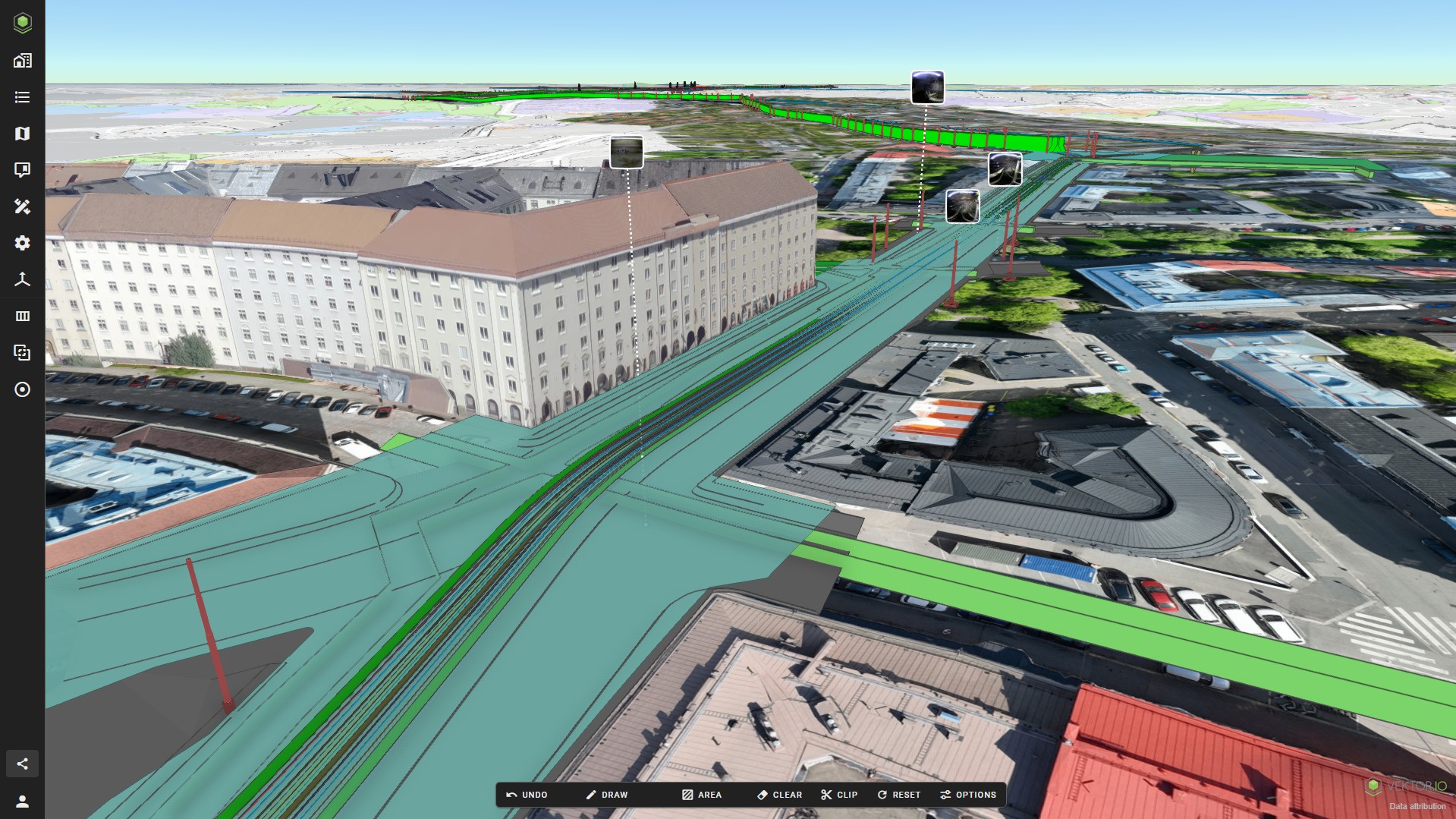
To support day-to-day coordination and data sharing during construction, the project team uses Vektor.io as a platform to combine design models, survey data, tunnel scan, point cloud, and drone-derived data in a single environment.
For Mohammed Ziani, BIM Manager in OHLA Norway, the goal was clear: to provide the construction team with a user-friendly solution that could replace the existing BIM-Kiosk setup and better support model-based work on site.
“I like the platform a lot and my team have given me positive feedback on it. It’s easy to use and to share with the team.” — Mohammed Ziani, BIM Manager, OHLA Norway
Project background: The Gjønnes Tunnel
The Gjønnes Tunnel is a new tunnel connection between Gjønnes and the E18 at Strand, built as part of a broader road development in the western Oslo region. OHLA Norway is responsible for one of the main construction contracts on the project.
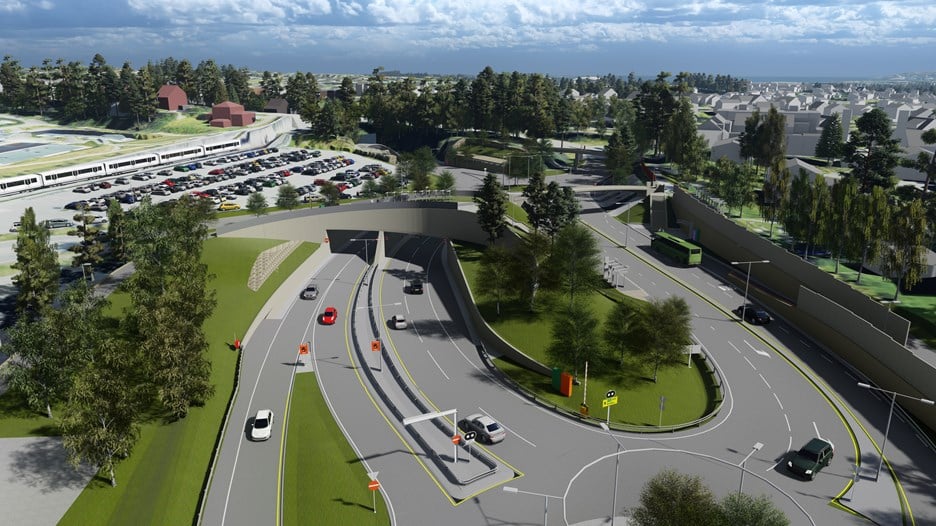
The tunnel is designed as a twin-bore tunnel, with two separate tunnel tubes constructed in parallel. Under OHLA Norway’s scope, approximately 1,500 metres of the total 1,950-metre tunnel length are being constructed.
In addition to the tunnel itself, the project includes the construction of a new intersection area, as well as associated local road works and pedestrian and cycle infrastructure.
Building in a heavily trafficked urban area
The construction site is located in a busy urban environment with surrounding residential areas, schools, sports facilities, public transport infrastructure, and a major road running directly through the work zone.
This context places high demands on coordination, up-to-date information, and clear communication between the construction team and subcontractors.
Complementing Autodesk Construction Cloud on site
Autodesk Construction Cloud is used as the project’s common data environment (CDE) for documentation. However, according to Mohammed Ziani, the model viewer did not provide all the features needed by the construction team in daily work.
After testing Vektor.io, the team decided to add it to the project to better support model review and coordination on site.
Through an integration with Autodesk Construction Cloud, model and survey data are made available in Vektor.io without the need for manual re-uploading between systems. With the data in place, Vektor.io is then used to review, analyse, and work with that information in practical, day-to-day construction tasks.
Reviewing tunnel scan data with deviation analysis
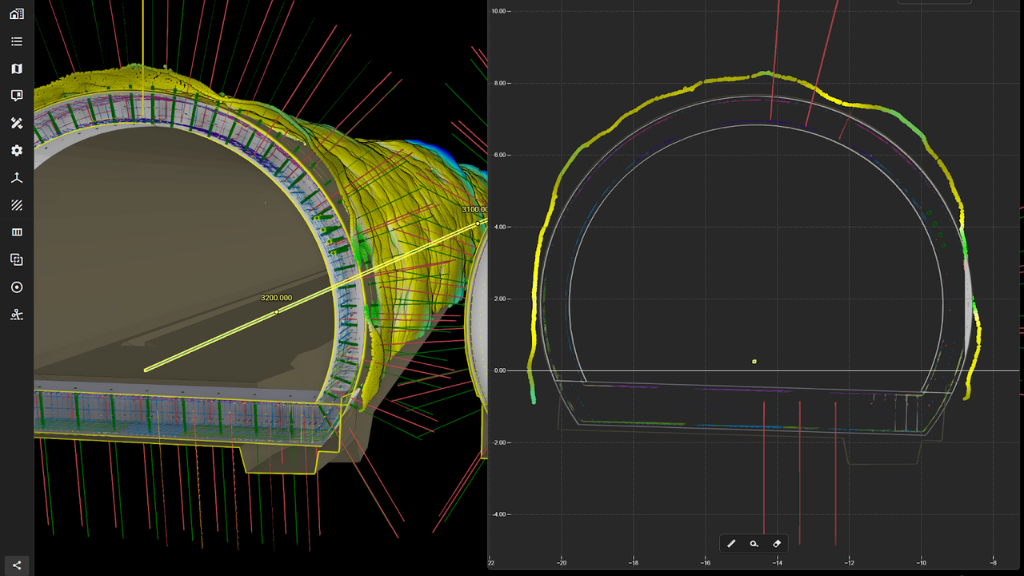
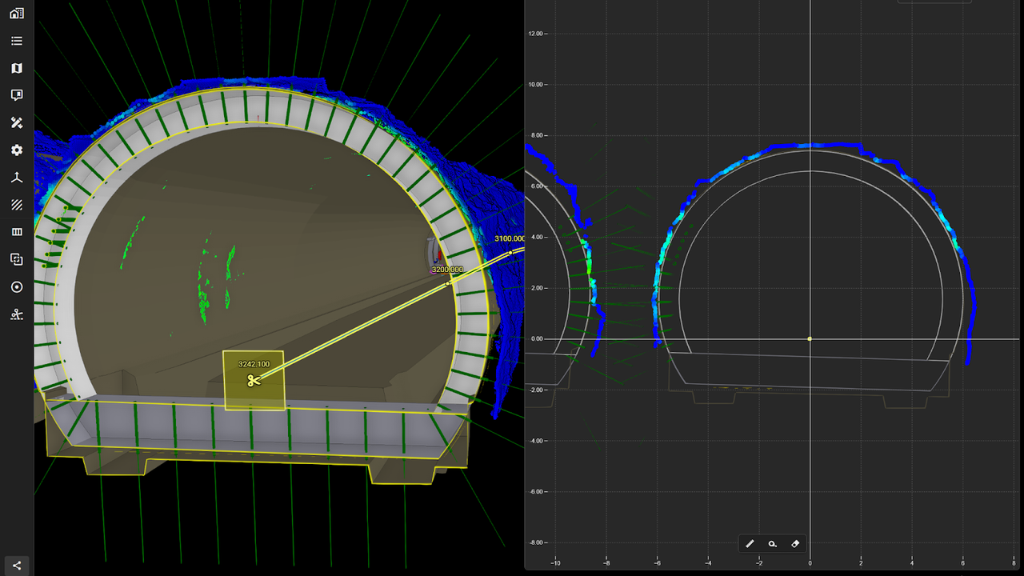
Tunnel scanning is a central part of quality control during excavation. In the Gjønnes Tunnel project, scan data delivered by subcontractors is reviewed in Vektor.io using deviation analysis tools.
By comparing scanned point clouds against design models, the project team can assess how the excavated tunnel geometry aligns with planned profiles and follow up accordingly.
Using the Data Table for model-based quantities and material planning
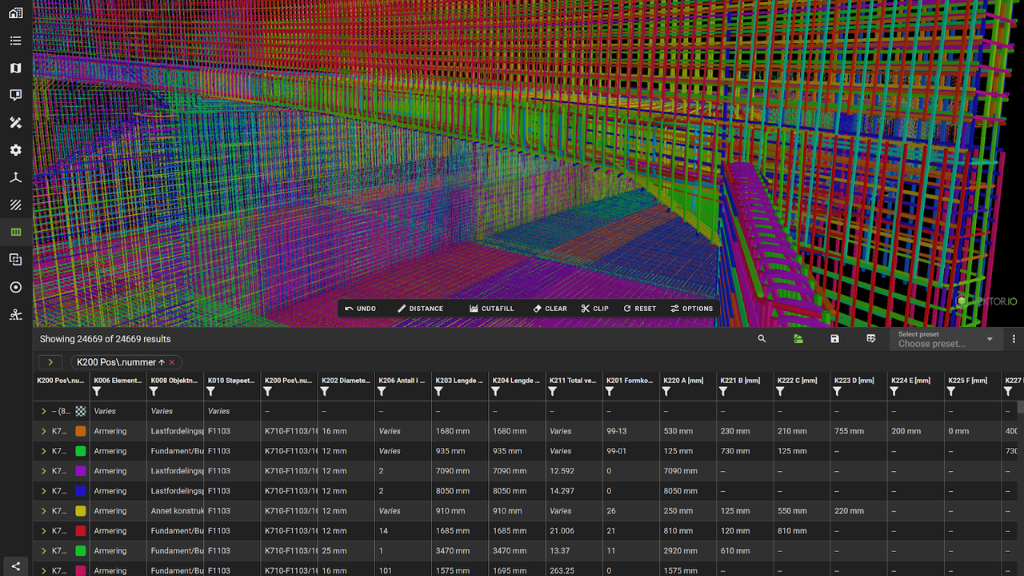
Vektor.io is also used to support material procurement and bills of quantities (BoQ). The Vektor.io Data Table provides a structured view of quantities directly from design models, making it easier to reference up-to-date information when planning materials for upcoming construction phases.
Integrating drone data into daily project work
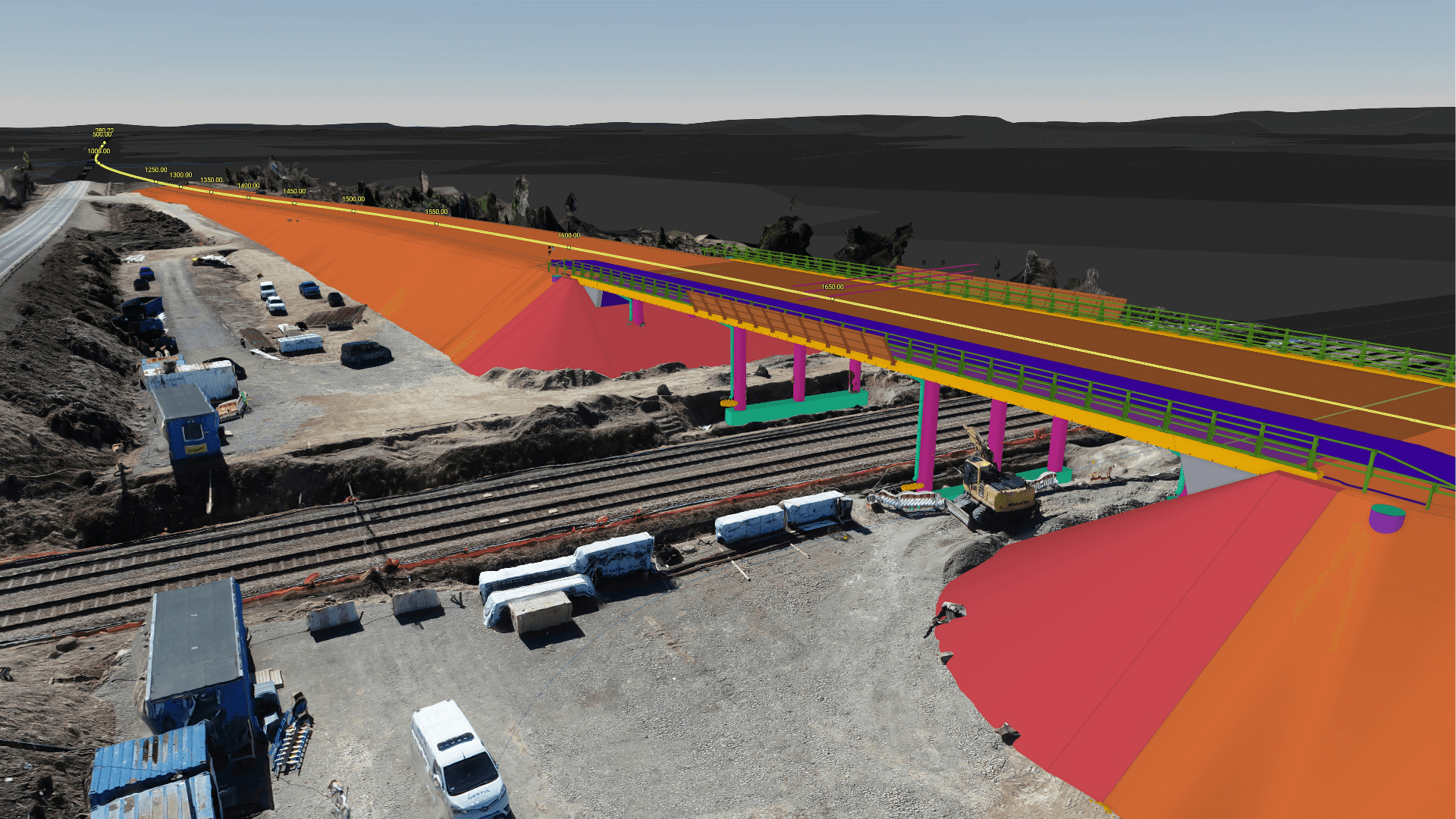
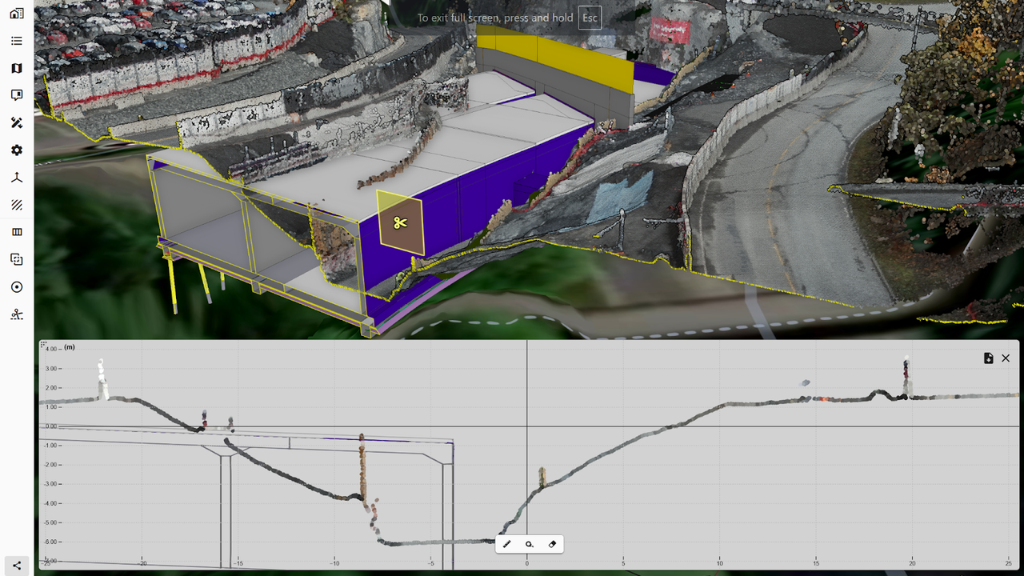
Orthophotos and point clouds generated from drone flights are reviewed in Vektor.io alongside other project data. Having tunnel scans, design models, and drone data available in the same environment supports a clearer overview of site conditions.
Practical example from daily construction work
A typical workflow on the project includes:
- Subcontractors delivering tunnel scan data
- Reviewing scans in Vektor.io using deviation analysis
- Sharing updated design models and survey data with the construction team
- Using model-based quantities to support material acquisition and BoQ-related planning
- Reviewing orthophotos and point clouds to understand current site conditions
All of these activities are supported within the same platform.
Key outcomes so far
- Replaced BIM-Kiosk with a more user-friendly solution for the construction team
- Complemented Autodesk Construction Cloud with additional model review capabilities
- Enabled integrated access to design model and survey data without manual re-uploading
- Practical support for material acquisition (BoQ) using model-based quantities
FAQ
Why was Vektor.io added to the project?
The project required a more user-friendly solution for reviewing and sharing design models on site. While Autodesk Construction Cloud is used as the main documentation platform, additional model viewing and analysis features were needed for daily construction work.
Who uses Vektor.io in the project?
Vektor.io is used by the BIM team and construction team to review, analyse, and share model-based information during active construction.
What features are most useful in the project?
According to Mohammed Ziani, the ability to create and share views, perform deviation analysis, use data tables, and add properties are particularly valuable.
At what stage of the project is Vektor.io used?
Vektor.io is used during active construction, including both surface works and tunnelling, to support model review, coordination, and quality control on site.